- Best NAS for photographers
- NAS for photographers
- best photo storage solution
- NAS for photo backup
- NAS for photography business
- photo archive storage
- Synology NAS for photographers
- NAS for Lightroom
Best NAS for Photographers: Complete Buying Guide
Discover the best NAS for photographers. Compare storage capacity, RAID, backup, and performance to find the right NAS for your photo library.
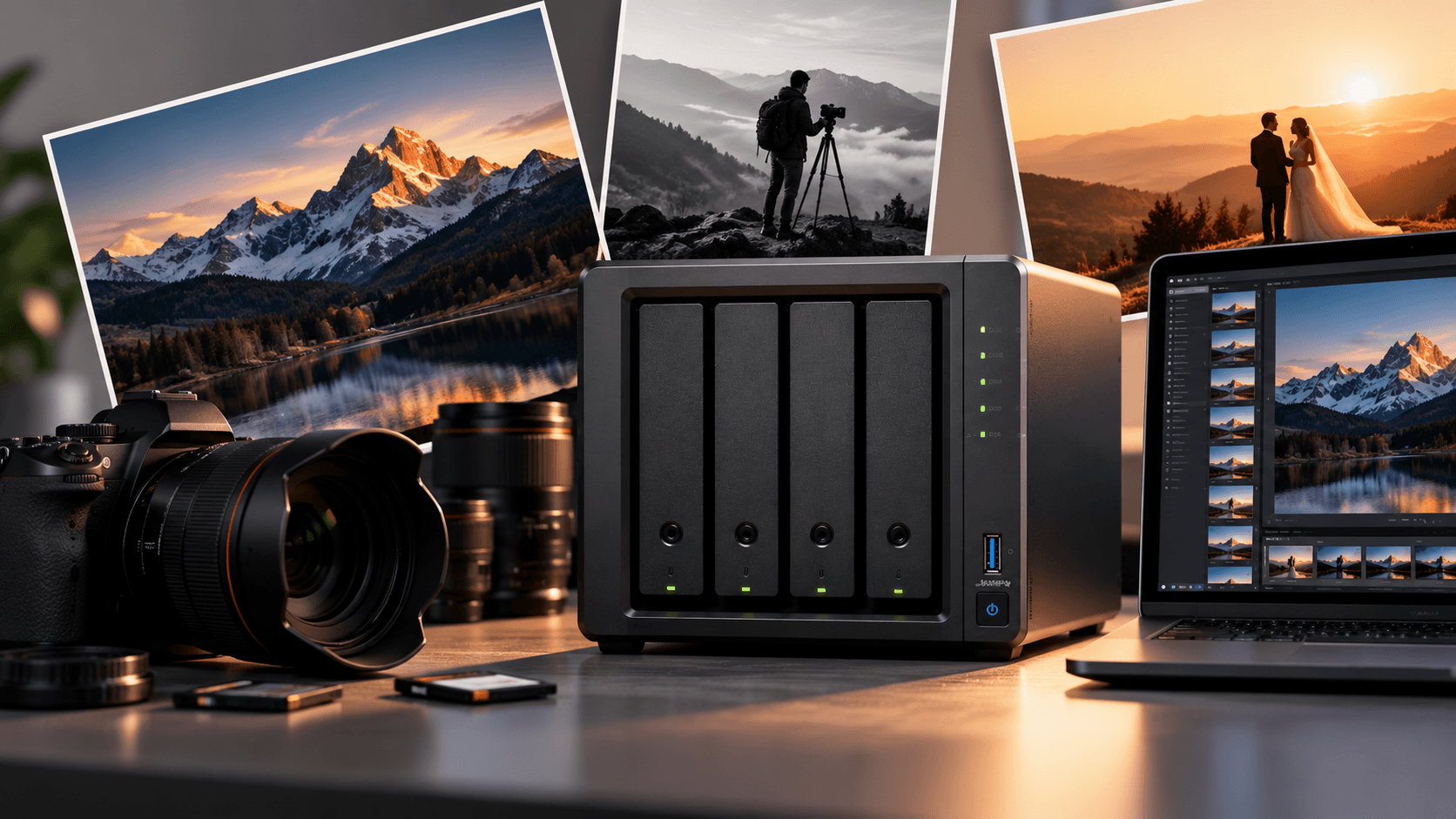
Photography makes more than nice pictures. Each shoot creates RAW files, edited photos, previews and project archives that must be kept safe and ready to use when needed.
As your photo library grows, using your computers internal drive or a pile of external hard drives can become hard to manage. Finding projects takes longer space fills fast and keeping multiple copies of key photos becomes more important.
This is where a Network Attached Storage (NAS) system can help.
A NAS gives storage that lets photographers organise their photo libraries back up files and access projects on many devices. I have seen many photographers use NAS for this purpose.
Which NAS is best for photographers? The answer depends on your workload, storage needs, budget and whether you work alone or with a team.
Why Do Photographers Need a NAS?
Professional photography files can take up a lot of space especially when you shoot RAW images, high‑resolution photos and video along with pictures.
A NAS helps photographers manage growing libraries without buying more external drives. I know how frustrating it can be to keep buying drives.
Key benefits include:
- storage: Keep photo libraries and completed projects in one location.
- Automatic backups: Back up computers and supported devices to a system.
- Remote access: Access files while travelling when secure remote access is configured.
- Easy collaboration: Share project files with editors and team members.
- Expandable capacity: Increase storage as your photography business grows.
- File organisation: Use supported applications to organise, search and manage photo collections.
For wedding photographers, commercial studios and content creators a NAS can become the base of a digital workflow.
What Should You Look for in a NAS for Photography?
Before choosing a model focus on the features that directly affect your workflow.
1. Storage Capacity
Estimate how data you generate annually and how long you need to retain completed projects.
A photographer with a collection may need 8TB of usable storage while a busy wedding studio or commercial photographer may require 20TB or considerably more.
Remember to account for growth, snapshots and RAID when calculating usable capacity.
2. Number of Drive Bays
A two‑bay NAS can be a starting point for individual photographers. A four‑bay system provides flexibility for storage expansion and supported RAID configurations.
Studios managing archives or several photographers may benefit from systems with six or more bays.
3. Network Speed
A Gigabit Ethernet connection may be sufficient for backups and smaller projects. Photographers regularly transferring RAW files or working with multiple users should consider 2.5GbE or 10GbE networking where supported.
Actual performance also depends on the NAS processor, drives, network equipment and workload.
4. Backup and Data Protection
Look for support for scheduled backups, snapshots, versioning and suitable external or cloud backup destinations.
RAID can help protect against drive failures but it is not a backup. Keep copies of important photographs ideally including an off‑site copy.
5. Photo Management Features
Some NAS systems offer applications with features such as indexing, albums, metadata search and sharing. I have tested a few of these.
If you use Adobe Lightroom or another editing application check compatibility with your workflow.
A NAS can store photo libraries and source files. Application‑specific catalogues and editing workflows may have additional requirements.
Best NAS Options for Photographers
Photographers need different storage setups. These are NAS product families considering, subject to current model availability and specifications.
1. Synology 2‑Bay NAS. Best for Individual Photographers
A two‑bay Synology NAS is worth considering for freelancers and hobbyists who want photo storage without a complex setup.
It can be suitable for photo archives, computer backups and personal photo management.
Best for: Freelancers, hobbyists and photographers with storage requirements.
2. Synology 4‑Bay NAS. Best for Growing Photography Businesses
A 4‑bay Synology system provides flexibility for capacity planning and RAID configurations.
It can be a choice for wedding photographers, commercial studios and professionals managing several years of client projects.
Best for: photographers and small studios expecting their archives to grow.
3. QNAP 4‑Bay NAS. Best for Performance‑Focused Workflows
Selected four‑bay QNAP models offer features such as networking depending on the specific model and support, for demanding storage workflows.
NAS devices are worth considering when transferring files sharing data between workstations or building a more performance-focused studio setup.
Best for: Photographers who prioritise network performance and flexible storage configurations.
4. Higher-Capacity NAS Systems. Best for Large Archives
Photographers with RAW archives, video projects or multiple editors may need a NAS with six or more drive bays.
A larger NAS can provide room for growth and additional configuration options although the best choice depends on supported drive sizes, RAID, networking and budget.
Best for: wedding studios, commercial photography businesses and production teams.
Note: These are product categories rather than a verified ranking of specific current models. Check current manufacturer specifications and availability before selecting a NAS.
How Much NAS Storage Does a Photographer Need?
A photographer's capacity requirements depend on the number and size of images a photographer produces and how new data a photographer generates.
For example consider a photographer producing 100,000 RAW images per year with each image averaging 40MB.
That works out to 4TB of original image files annually.
Over three years the original files alone would occupy 12TB before accounting for edited exports, project files, previews and other data.
These are planning ranges, not fixed requirements. Calculate a photographers annual data production and future growth before purchasing a system.
Photography workload | Suggested usable capacity |
|---|---|
Hobby photographer | 2–4TB |
Freelance photographer | 4–12TB |
Professional photographer | 8–32TB |
Busy wedding studio | 16–64TB+ |
Photography and video production | 32TB+ where required |
Can You Use a NAS With Adobe Lightroom?
Yes a NAS can fit into an Adobe Lightroom workflow. The setup matters.
Photographers can store image files on network storage and access them from compatible computers. This is useful when managing photo archives across multiple workstations.
However Lightroom Classics catalogue has performance and storage considerations. Keeping the catalogue on a supported drive is generally the safer choice unless a photographers workflow and Adobes current requirements explicitly support another arrangement.
A practical workflow is to keep the catalogue on a workstations internal SSD and store original images on a suitably configured NAS. For demanding editing work use a wired network and test performance with a photographers actual files.
NAS vs External Hard Drive for Photographers
An hard drive is a simple and affordable option for storing individual projects or maintaining a portable copy of a photographers files.
A NAS offers an advantage: it centralises storage for multiple devices and users. For professionals the two work well together: a NAS for centralised storage and external drives for additional backup copies.
Feature | NAS | External Hard Drive |
|---|---|---|
Multiple-user access | Yes, over a network | Usually connected to one device at a time |
Storage expansion | Depends on bays and expansion support | Replace or add separate drives |
Remote access | Supported with appropriate setup | Usually requires physical access or another service |
Centralised backups | Supported | Requires manual or software-managed workflows |
Initial cost | Higher | Usually lower |
Best use | Central storage and shared archives | Portable storage and individual backups |
Is a NAS Enough to Protect Your Photos?
A NAS can improve how a photographer manages and protects a photo library. It should not be the only place where important photographs exist.
Accidental deletion, ransomware, hardware damage and theft can still result in data loss.
A sensible approach is to:
- Store a photographers photo library on a NAS.
- Use RAID where appropriate for protection against certain drive failures.
- Configure snapshots or versioned backups where supported.
- Maintain a backup on another device or storage system.
- Keep an off-site copy of photographs.
For photographers this is particularly important because lost client images may be impossible to recreate.
Final Thoughts
The best NAS for photographers is the one that matches a photographers storage capacity editing workflow network requirements and long-term growth.
A two-bay NAS may be sufficient for a freelancer while a growing studio may benefit from a four-bay or larger NAS with networking and flexible backup options.
Before buying calculate a photographers storage needs check compatibility with a photographers editing workflow and plan for backups.
At NAStown you can explore NAS products. Compare storage solutions suited to photography, creative work and professional archives.
Ready to organise a photographers photo library? Find a NAS that gives a photographers images room to grow while keeping a photographers workflow organised and a photographers backups protected.
Frequently Asked Questions
1. Which NAS is best for photographers?
A two-bay NAS can suit photographers while a four-bay or larger model may be better for professionals with extensive archives. The ideal model depends on capacity, performance and budget.
2. How much NAS storage do photographers need?
Requirements vary widely. A small photo library may fit within a terabytes while professional archives can require tens of terabytes.
Estimate data growth, before buying.
3. Can I edit photos directly from a NAS?
Yes, if your NAS, network and editing software support the workflow. I recommend a wired connection for large RAW files and demanding projects.
4. Is a NAS better than a hard drive?
A NAS works better for storage and network access. External drives are useful for portability and extra backup copies.
5. Does a NAS work with Adobe Lightroom?
Yes NAS storage can be used for image files, in Lightroom workflows that support it. Check Adobes requirements especially for catalogue storage.
6. Is RAID enough to protect my photographs?
No RAID can help with some failures but it does not replace independent backups. Keep copies of important photo libraries, including an off‑site copy.
More from the blog
View all →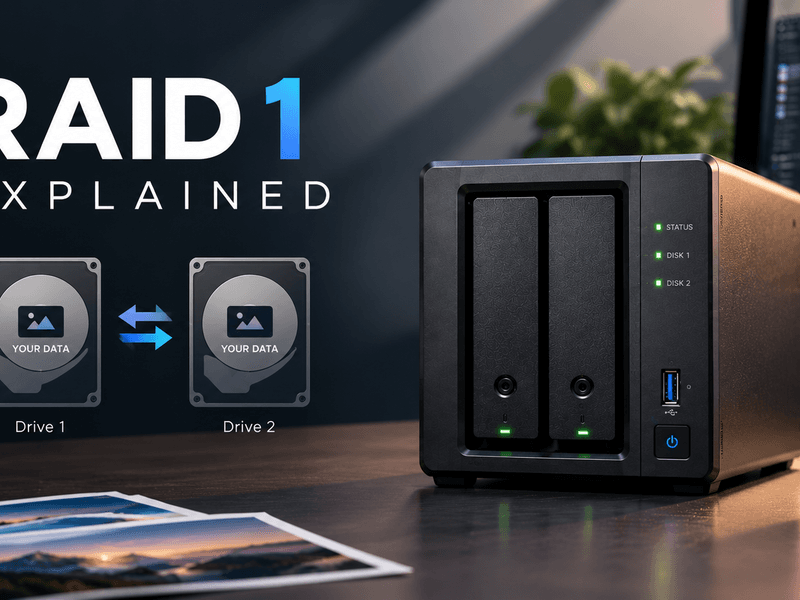
- RAID 1 explained
- what is RAID 1
- RAID 1 NAS
RAID 1 Explained: Mirroring, Capacity & Data Protection
Learn how RAID 1 works, its benefits, usable storage capacity, limitations, and when to use it in a NAS for reliable data protection.
26 Oct 2026 · 6 min read
- NAS for video editors
- best NAS for video editing
- NAS for 4K video editing
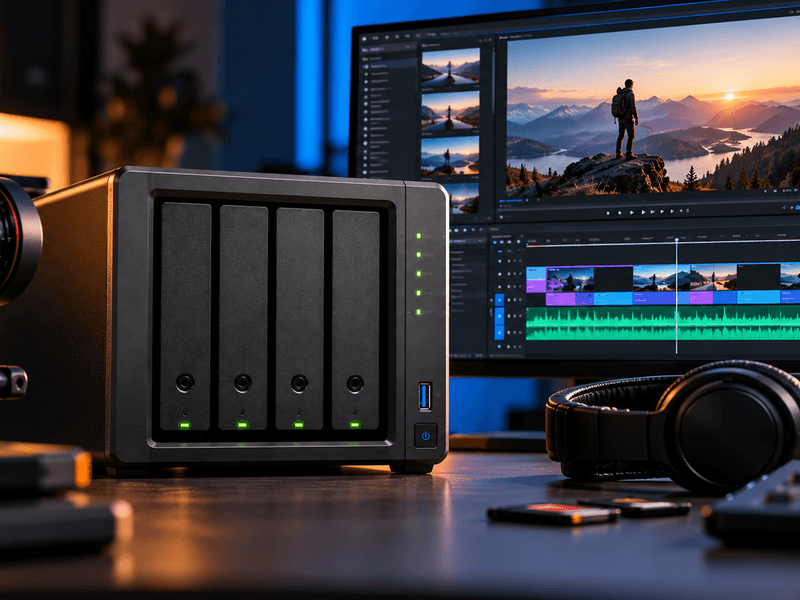
Best NAS for Video Editors: Storage & Performance Guide
Find the best NAS for video editors. Learn about 4K and 8K editing, RAID, network speed, storage capacity, and backup solutions.
26 Oct 2026 · 7 min read
- NAS vs server
- NAS vs file server
- NAS storage vs server
NAS vs Server: What's the Difference? Which Do You Need?
Compare NAS vs server for storage, performance, cost, security, and business use. Discover the right solution for your home or business.
26 Oct 2026 · 7 min read