- NAS for video editors
- best NAS for video editing
- NAS for 4K video editing
- NAS for 8K video editing
- video editing storage solutions
- NAS for video production
- shared storage for video editors
Best NAS for Video Editors: Storage & Performance Guide
Find the best NAS for video editors. Learn about 4K and 8K editing, RAID, network speed, storage capacity, and backup solutions.
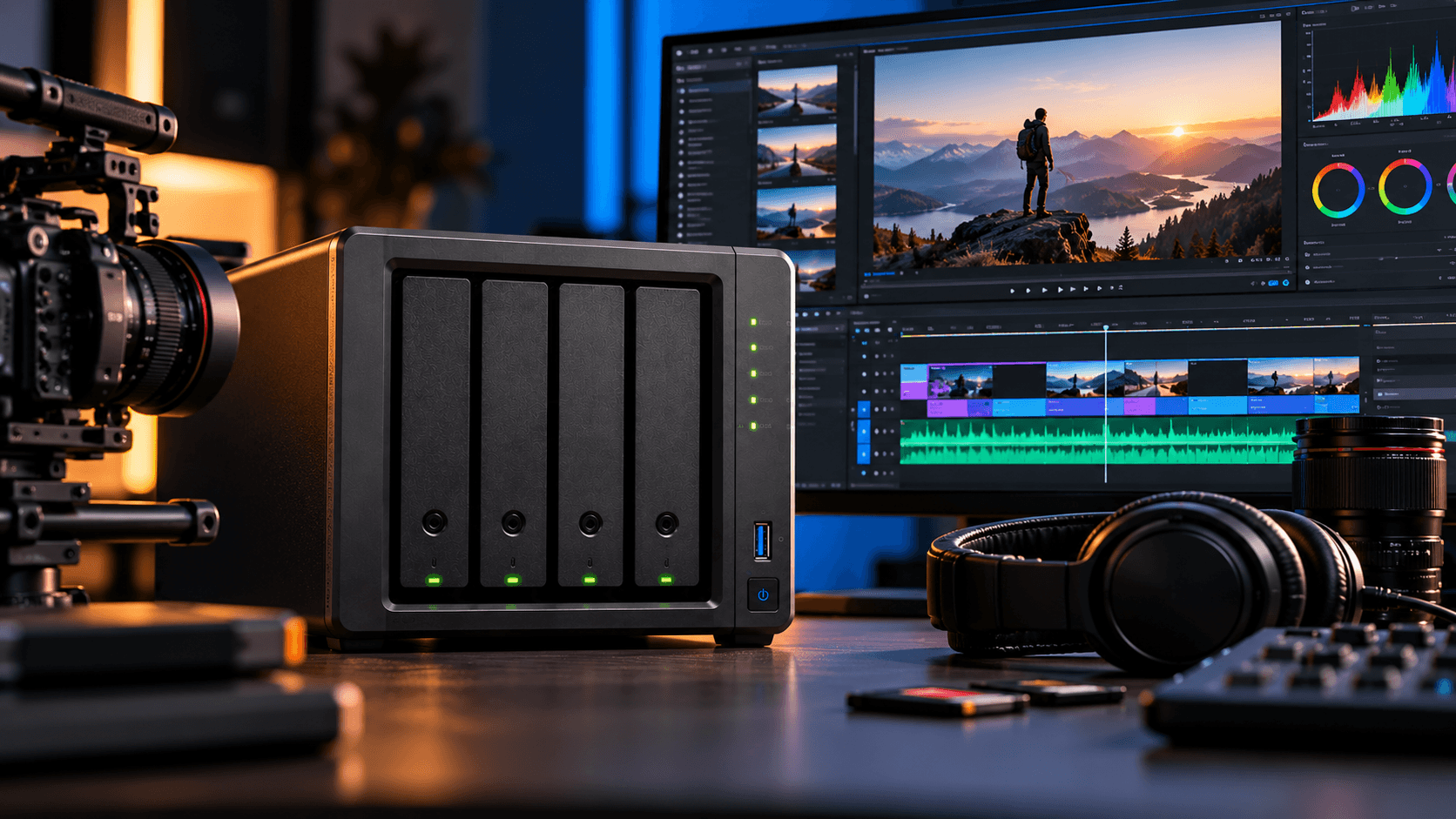
When editing your videos you’ll need a powerful computer and graphics card. With high quality footage, multiple camera angles, project files, proxies and exported videos you can easily get into terabytes of storage space.
For many people using external drives causes issues. With many different files you’ll be having to transfer them. But it can cause issues with multiple video editors.
A Network Attached Storage will help to store, organise and share your video projects across multiple computers.
So is a NAS a good option for video editing? What should you look out for?
What Makes a NAS Useful for Video Editors?
A NAS helps by storing all your video footage in one central place. You can easily access everything on your network and won’t have to worry about multiple external drives.
Main benefits include:
- One central place to store your video footage, projects and finished videos.
- Large amounts of storage for large amounts of 4K and 8K footage.
- Allow multiple users to access the same files.
- Easy way to backup your projects and compatible devices.
- Access your files remotely.
- Have expandable storage to increase your storage space as your workload increases.
A NAS can really help professionals with their storage issues.
What Should You Look For In a NAS?
Storage Space
Video files can be very large. Depending on your resolution, bitrate, codec and how long you’ve recorded your video for.
You can easily get into hundreds of gigabytes if you record for a few hours with a high bitrate. If you’re doing a large production you’ll want plenty of storage space for your source files, proxies, projects and exports. Maybe even multiple terabytes.
Think about your current project sizes and how many you produce in a year to determine how much storage you’ll need for the next 3-5 years.
These are just estimates to get you started, you’ll also need to think about RAID, backup, snapshots and expanding in the future.
User type | Suggested usable capacity |
|---|---|
Hobbyist video editor | 4–8TB |
Freelance editor | 8–16TB |
Professional editor | 16–32TB |
Production studio | 32TB+ |
Network Speed
Having a fast network speed is key to being able to edit directly from your NAS.
1GbE - Good for backups, transfers and light use.
- 5GbE - A useful upgrade for larger files.
10GbE - Would be useful for high intensity editing, high bitrate and multiple workstations.
Your NAS, drives, switches, network adapters and amount of users will affect how fast your network speed is.
It’s generally better to have a wired network for high intensity video editing.
Processing Power and RAM
The processing power and RAM of your NAS will affect how fast your files can be accessed, background tasks, indexing and what applications can run.
If you’re only using it for simple storage and backups then a low spec NAS could be enough. If you have multiple users and are transferring large files then select some hardware which will cope with your workload.
Keep in mind that your NAS doesn’t automatically replace the processing power (CPU/GPU) of your editing machine. Your effects, renders and majority of your timeline will still be done by your editing machine.
RAID and Backup
Using RAID can help you have some uptime if some of your drives fail.
For example with 4 x 8TB drives you’ll have 32TB of storage. If you use a standard RAID 5 configuration you’ll have around 24TB usable storage (before formatting).
But remember that RAID isn’t a backup. You should have some duplicate copies of your important footage and projects.
Can You Edit 4K/8K Videos Directly From a NAS?
Yes! As long as you have a NAS which can cope with your workload.
With 4K editing you can have a NAS with fast drives and a good network to allow you to have a central place to store your footage and projects.
With 8K you might need something with a faster network. You’ll have a lot of high bitrate streams going at once, complex timelines and multiple editors. This means you want a NAS with a fast network, well chosen storage and test your workflow.
Some editors like to store their active projects/cache on a local SSD.
This can give you a good balance.
What’s the Best NAS for Video Editors?
Depending on your budget, storage needs and workload. Here’s a quick breakdown.
2 Bay NAS - Beginner
Good for small projects, backups and personal video storage. Not as much storage or expansion.
4 Bay NAS - Freelancer/Small Studio
More flexibility with your storage and RAID. A great place to start for many growing creative workflows.
6 Bay or Higher - Professional Studio
A good option for large video storage, multiple users and large amounts of long term storage.
High Performance NAS (10GbE) - High Intensity Production
Designed to cope with high intensity workflows. If you’re doing multiple workstations with large media files then this is a good option. Just make sure your whole network is fast.
Many brands offer NASs with varying speeds and storage. Synology and QNAP are great brands. Just make sure to check the specs for the model you want.
NAS or External SSD?
An external SSD is a fantastic option for portable projects. A NAS is for central storage. Many people use both. Using an external SSD for your active editing/cache and using a NAS for your shared footage, projects and backups.
Feature | NAS | External SSD |
|---|---|---|
Multiple-user access | Yes, over a network | Usually one direct connection at a time |
Capacity | Expandable on supported systems | Limited to the purchased drive |
Portability | Generally stays in one location | Easy to carry |
Shared project storage | Well suited | Requires manual file management |
Best use | Centralised storage and collaboration | Active projects and portable editing |
How To Set Up a Good Video Storage System
Where possible edit from your local SSD. Have your applications, caches and intensive projects on a fast local drive.
Use your NAS for shared footage. Store your source media, assets and finished projects.
Use a good wired network. Make sure your network speed matches your footage and amount of editors.
Set up automatic backups. Make sure your project files and important media are safe.
Have an offsite copy. So you can still recover your important data even if something happens to your studio kit.
This can help give you a good balance.
Final Thoughts
The best NAS for video editors will depend on your project sizes, video resolution/bitrate, number of users and network requirements.
If you’re doing personal projects then maybe a smaller NAS will suffice. Professionals will likely need a larger NAS with a fast network and flexible storage.
Work out how much storage you’ll need, what performance your editing workflow needs and make sure you have independent backups.
Check out our NAStown NAS products to find the perfect storage for your video editing.
Make your editing life easier with a NAS. Have your footage organised, give your projects room to grow and make your team more efficient.
FAQ
Is a NAS good for video editing?
Yes! A good NAS can give you a central storage for your footage, shared between your workstations and organised projects.
Can I edit 4K video from my NAS?
Yes! As long as your NAS, drives, network and editing workflow are fast enough. We recommend a fast wired network.
Do I need a 10GbE connection?
Not necessarily. If you’re doing light use then a Gigabit or 2.5GbE connection would be enough. If you’re doing high bitrate, multiple streams and intense editing in your studio then it could be a good idea.
How much storage do I need?
A hobbyist may just need 4-8TB. Professionals may need tens of terabytes. Work out how much footage you actually have and how long you want to keep it for.
Is a NAS better than an external SSD?
A NAS is a better option for central storage. An external SSD is great for portable use. Many people will use both.
Does RAID protect my video projects?
It can help protect you from some drive failures. But it’s not a backup. Make sure you have independent copies of your important project files.
More from the blog
View all →
- RAID 1 explained
- what is RAID 1
- RAID 1 NAS
RAID 1 Explained: Mirroring, Capacity & Data Protection
Learn how RAID 1 works, its benefits, usable storage capacity, limitations, and when to use it in a NAS for reliable data protection.
26 Oct 2026 · 6 min read
- Best NAS for photographers
- NAS for photographers
- best photo storage solution
Best NAS for Photographers: Complete Buying Guide
Discover the best NAS for photographers. Compare storage capacity, RAID, backup, and performance to find the right NAS for your photo library.
26 Oct 2026 · 8 min read
- NAS vs server
- NAS vs file server
- NAS storage vs server
NAS vs Server: What's the Difference? Which Do You Need?
Compare NAS vs server for storage, performance, cost, security, and business use. Discover the right solution for your home or business.
26 Oct 2026 · 7 min read